Reading
Scribd's 'Private' Isn't Locked. Anyone With the Link Gets In
A private Scribd document is hidden, not locked. Here's who can actually open it, and why blocking downloads doesn't make the link secret.
Prices last read 2026-11-06
Short answer
Anyone who has the full link can open it. On Scribd, Private means hidden. It does not mean invite-only.Scribd's help center says a private document can be viewed only by people who have its full URL, including its unique identifier. Everyone else can't reach it, and the uploader's account can still see it. A private document doesn't show up in Google, in Scribd search or on your Scribd profile. There's no list of approved viewers and no password. The URL is the only key.Source: Private documents – Scribd Help Center · 2026-11-06
Hot take: 'Private' is the wrong word for this. Google Drive and Dropbox users will recognize the setting as 'anyone with the link,' and those services at least call it that. Scribd puts a reassuring label on what is really an unlisted page. So treat a private Scribd link the way you'd treat an unlisted video. Assume it can travel.
What Private actually does
According to Scribd, a private document is not indexed by search engines. It doesn't appear in Google, Scribd search or other search results, and it's hidden from your profile even when other people look at that profile. Readers can't use the embed options on it. If you embed your own private document on another site, people there can't download it, whatever your download setting is. Scribd also suggests setting a document to private before you upload it if you want to share it selectively.
Source: Private documents – Scribd Help Center · 2026-11-06
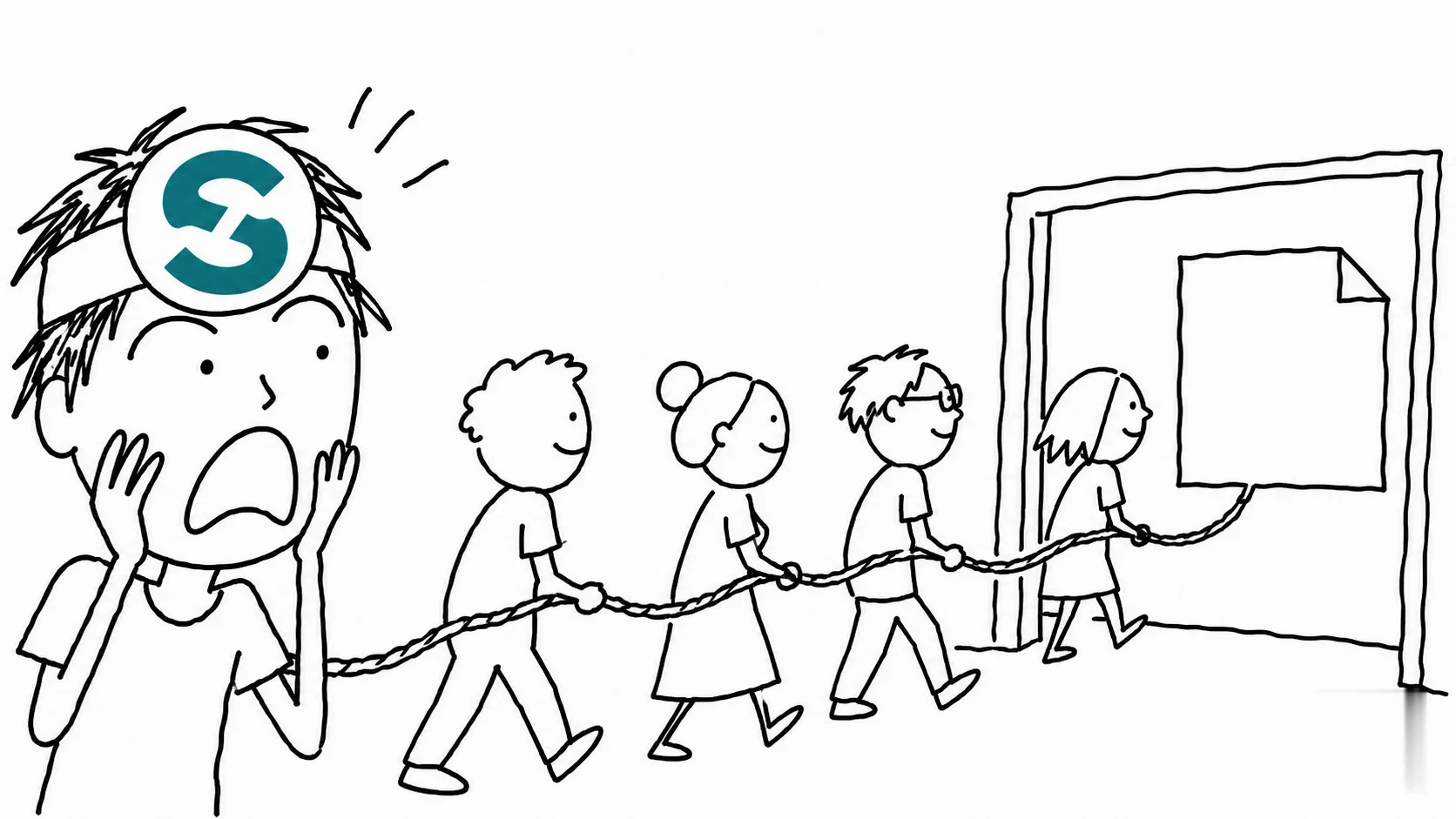
Only those with the full URL—including its unique identifier—can view it.
Scribd Help Center, "Private documents" (page updated February 26, 2025; read 2026-11-06)Source: Private documents – Scribd Help Center · 2026-11-06
Why this matters: Scribd's own wording says who can see the document, and the answer is whoever holds the URL. It says nothing about logging in, being approved or being on a list. If you send the link to one colleague, nothing in Scribd's documentation stops that link from reaching someone else.
Blocking downloads doesn't make the link secret
On a document's edit page, the Set Reader Permissions tab has two separate controls. Copy and paste lets you allow or prevent copying text. Download lets you enable or restrict downloads. Privacy is a different setting: Public documents are visible to all Scribd readers, appear in search and show on your profile, while Private documents are restricted from search results and hidden from your profile.
Source: Managing your document's settings and reader permissions – Scribd Help Center · 2026-11-06
Many people get this wrong. Turning off downloads and copy-paste feels like locking the document down, but those settings only limit what a viewer can do once the page is open. They don't change who can open it. A document that's private, can't be downloaded and can't be copied can still be read by anyone with the URL. These permission controls are underrated for limiting casual reuse, but they're no substitute for access control.
How to check or change a document's settings
- Open your Uploads pageOn the Scribd website, go to Uploads, where every document on your account is listed. You can use Filter to sort them by privacy setting, upload date, title or popularity.
- Click the Edit (pencil) iconIt sits next to the document. In a mobile browser, it appears below the document.
- Set privacy and reader permissionsChoose Public or Private, then set Copy and paste and Download in the Set Reader Permissions tab.
- Click SaveYour changes take effect once you save.
Source: Managing your document's settings and reader permissions – Scribd Help Center · 2026-11-06
When you upload something new, you choose its visibility on the upload form. Leave 'Make this document private' unchecked to make it public, or check it to keep the document private. Uploading only works on the Scribd website, not in the Scribd app.
Source: Uploading a document to Scribd – Scribd Help Center · 2026-11-06
If a link has gone further than you meant
Scribd's help pages describe one complete way out: deleting the upload. Go to your Uploads page, click the trash icon beside the document and confirm Delete. Scribd says deleted documents are also removed from Google's index, though Google may take several days, up to a week, to reflect the change.
Source: Deleting your upload from Scribd – Scribd Help Center · 2026-11-06
Before you share a 'private' Scribd link
- Would you be OK with a stranger reading this document? If not, don't upload it, even as Private.
- Set the document to private before you upload it, as Scribd recommends.
- Turn off Download and Copy and paste if you want to discourage reuse, but don't treat that as protection for the link.
- Send the URL only to people you trust not to pass it on.
- If a link has leaked, delete the upload instead of just changing its settings.
Our verdict
For sharing a handout or a portfolio sample without cluttering your public profile, Scribd's Private setting does its job. For contracts, IDs, medical records or anything else that needs real access control, it's the wrong tool, and the name makes that easy to miss. Use a service that requires recipients to sign in.
Optional: see a seller listing for Scribd subscriptions (not official Scribd access and not an endorsement). That link carries our partner code Sk52g, which is how a purchase is attributed to this site. Promotion code UPD3S.
Sources (all read 2026-11-06)