Reading
Gems Die, Spark Becomes Task: Google Owes You a Changelog
Your Gems turn read-only on Nov 17 and vanish Dec 17. Spark is now Task. Here's what migrates, what breaks, and why Google's naming churn is a problem.
Prices last read 2026-10-29
Short answer
Your Gems aren't being deleted outright. Google says it will automatically turn them into skills. On personal accounts, Gems go read-only on November 17, 2026, and are removed on December 17, 2026. Spark wasn't killed either. It was renamed Task and now sits in a Chat/Task toggle next to the prompt box.Not everything comes across. Skills have a 100 MB file limit, and some file types won't transfer: GitHub files, audio, video, legacy .doc/.xls/.ppt files, and archives. Gems by Google Labs don't migrate at all. If your Gem relies on any of those, download its files before December 17.Source: About the transition from Gems to skills – Gemini Apps Help · 2026-10-29; Manage your tasks & workflows in Gemini Apps – Gemini Apps Help · 2026-10-29; Let skills in Gemini tackle your most repetitive tasks – Google Blog · 2026-10-29
The Gems timeline, according to Google's own help page
Google announced the change on its blog on September 30, 2026. The post says skills will replace Gems as the way to give Gemini instructions for specific tasks, and that Gems will be migrated automatically. The help page has the dates. For personal Google Accounts, Gems switch to skills and become read-only on November 17, 2026. You can still open them but can't use or edit them, or create new ones. On December 17, 2026, they're removed from Gemini Apps. Workspace business, enterprise and nonprofit accounts follow in March 2027, and education accounts in June 2027. Under-18 personal accounts transition later.
Source: About the transition from Gems to skills – Gemini Apps Help · 2026-10-29; Let skills in Gemini tackle your most repetitive tasks – Google Blog · 2026-10-29
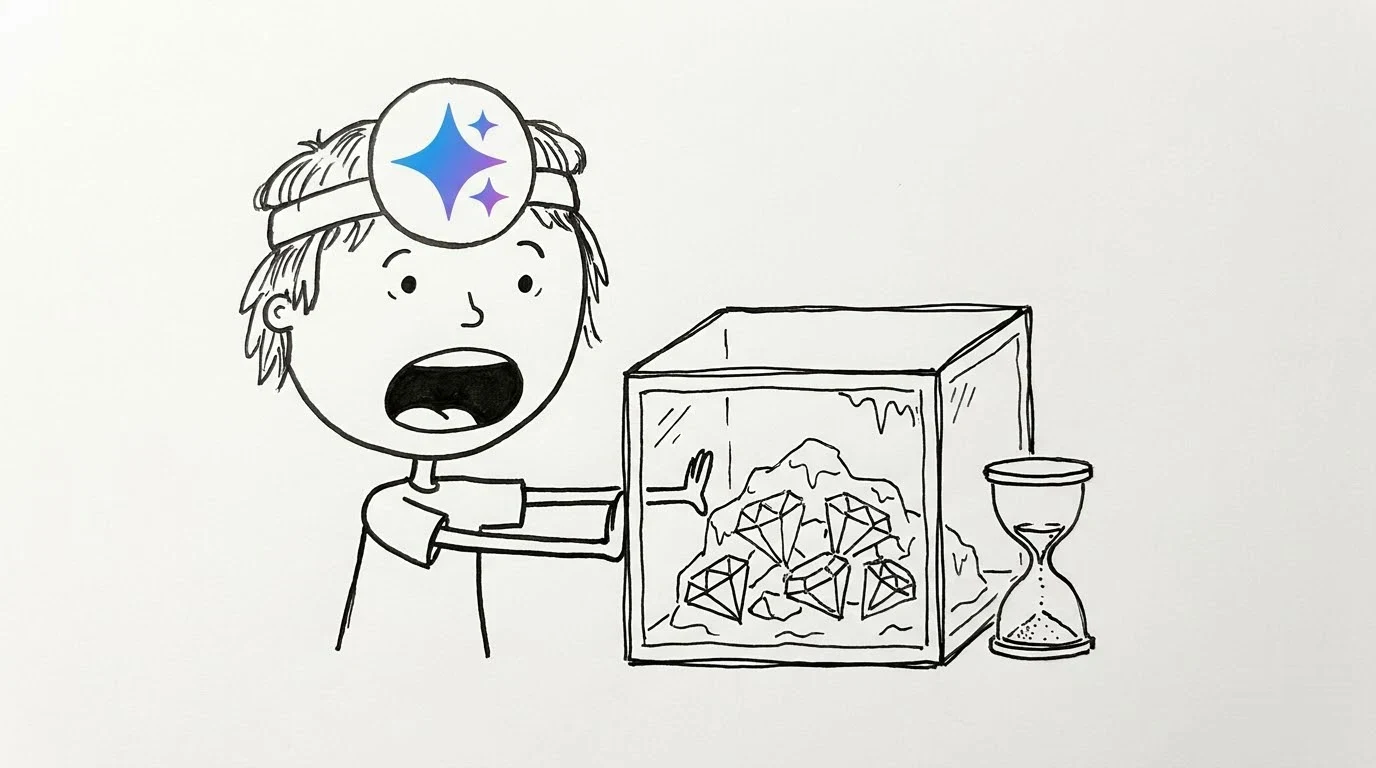
Gems transition to skills and become read only. You can still access your Gems, but can't use or edit them, or create new ones.
Google, "About the transition from Gems to skills" (Gemini Apps Help), entry for November 17, 2026; read October 29, 2026Source: About the transition from Gems to skills – Gemini Apps Help · 2026-10-29
There's one confusing date in circulation. Talk Android reported that a banner in the Gemini web app, first spotted by Android Authority, said creating and editing Gems would stop after October 13, 2026. When we read Google's transition page today, it didn't mention any October date. It gives November 17 as the read-only date. Whichever date your app follows, don't count on editing a Gem again. Treat what you have now as the final version.
Source: Talk Android – Gemini Gems are going away in November and Skills are taking over · 2026-10-29; About the transition from Gems to skills – Gemini Apps Help · 2026-10-29
What to do with your Gems before December 17
- Check that you can use skillsSkills require you to be 18 or older, signed in, and to have Keep Activity turned on. They work in the Gemini mobile app, the Mac app and the web app. Work and school accounts get access later.
- Download your Knowledge filesOpen each Gem, click Edit, and download its files. Google recommends doing this before December 17, 2026 for personal accounts.
- Look for files that won't transferSkills don't take GitHub files, audio, video, legacy .doc/.xls/.ppt files, or archives like .zip and .rar. If a Gem's files total more than 100 MB, the largest are removed first.
- Or rebuild it yourself nowGo to Customize > Skills > Create > Create manually. Paste in the Gem's name, description and instructions. To add files, download the skill's .zip, put its SKILL.md in a folder named in lowercase with hyphens (it must match the skill name), then use Replace skill.
- Compare after the migrationGoogle suggests opening the old Gem and the new skill side by side to spot files that didn't come across.
Source: About the transition from Gems to skills – Gemini Apps Help · 2026-10-29; Skills in Gemini Apps – Gemini Apps Help · 2026-10-29
Spark didn't die. It's the Task button now
On October 12, 9to5Google reported that Spark, the personal agent Google showed at I/O 2026, was moving into the main chat. A Chat/Task switch now sits above the prompt box, and Task is Spark. Spark is gone from the navigation drawer. A new Scheduled page lists tasks, and the Spark settings item was renamed Task settings. At the time, the change was rolling out server-side on Android and wasn't on iOS or the web yet. Google's help center now has an FAQ asking "Where did Spark go?" It says Google renamed it Task because "that's the word that kept coming up," and that your existing tasks and schedules are still there.
Source: 9to5Google – Gemini Spark becomes Task in redesign (Oct 12, 2026) · 2026-10-29; Manage your tasks & workflows in Gemini Apps – Gemini Apps Help · 2026-10-29
Who gets Task mode hasn't changed. You need a Google AI Pro or Ultra subscription, a personal Google Account, and to be 18 or older. It isn't available in the European Economic Area, Nigeria, Switzerland or the United Kingdom. To turn it off on the web, go to Settings > Task settings and choose Turn off under "Use task mode to hand off work."
Source: Manage your tasks & workflows in Gemini Apps – Gemini Apps Help · 2026-10-29
Our take: skills are the upgrade, but the renaming is the problem
Credit where it's due: skills look better than Gems on paper. According to Google's own documentation, you can combine several skills, call one with a slash, and let Gemini pick the right one when your prompt matches. Gems never worked that way. We have no complaint with the product here. Our complaint is how the change was communicated. Paying subscribers have had their custom bots put on a deadline, and their agent renamed, in the same few weeks. The Spark change shows up in a help-center FAQ, not in an announcement users would actually see. And the press reported an October 13 editing cutoff that Google's own transition page doesn't mention. If two careful readers can come away with two different deadlines, the notice wasn't clear enough.
The most underrated annoyance is Gems by Google Labs. Google says they're shutting down and won't migrate into skills. So "we'll move your Gems for you" really means "we'll move the ones you made." The fix is simple and cheap: one dated changelog page listing every rename, every deadline and every exception. Until that exists, assume nothing carries over unless Google's help page says it does, and back up your files yourself.
Source: Let skills in Gemini tackle your most repetitive tasks – Google Blog · 2026-10-29
Quick checklist
- Gems you made: downloaded the Knowledge files before December 17, 2026
- No unsupported files (audio, video, archives, legacy Office, GitHub) you can't afford to lose
- Keep Activity is on if you want to use skills
- Spark users: look for the Task toggle next to the prompt box; your tasks and schedules are still there
- Workspace users: your Gems stay until March or June 2027
Source: About the transition from Gems to skills – Gemini Apps Help · 2026-10-29; Skills in Gemini Apps – Gemini Apps Help · 2026-10-29; Manage your tasks & workflows in Gemini Apps – Gemini Apps Help · 2026-10-29
Optional: compare Gemini subscription listings from sellers. This is a seller listing, not official Google access and not an endorsement.. That link carries our partner code Sk52g, which is how a purchase is attributed to this site. Promotion code UPD3S.
Sources (all read 2026-10-29)
- About the transition from Gems to skills – Gemini Apps Help
- Skills in Gemini Apps – Gemini Apps Help
- Let skills in Gemini tackle your most repetitive tasks – Google Blog (Sep 30, 2026)
- Manage your tasks & workflows in Gemini Apps – Gemini Apps Help
- 9to5Google – Gemini Spark becomes Task in redesign (Oct 12, 2026)
- Talk Android – Gemini Gems are going away in November and Skills are taking over (Sep 29, 2026)