Reading
Hit Gemini's Weekly Cap? Why AI Credits Won't Always Save You
Google says you can buy AI credits to extend Gemini limits. Its own help pages disagree on where they work. Check these things before you pay or upgrade.
Prices last read 2026-11-10
Short answer
Sometimes, but check first. Google's subscriptions page says you can extend your Gemini limits with purchased AI credits. Google's own help page for buying them names only Google Flow and Google Antigravity.Gemini's limits are compute-based. Your allowance refreshes every five hours until you hit a weekly limit. If you have a paid Google AI plan and run out, Google says you can keep the conversation going on Flash-Lite. Google One's help page says you can buy AI credits on Google AI Pro and Ultra, but not in Japan. That page lists only Flow and Antigravity as places to spend them. When Google announced credits at I/O in May 2026, it said Gemini app support was still coming soon. Before you pay, confirm that credits are offered for the Gemini app on your account.Source: Google AI Plans and Features - Gemini · 2026-11-10; Gemini Apps limits & feature availability - Gemini Apps Help · 2026-11-10; Purchase Google AI credits - Google One Help · 2026-11-10; Everything new in our Google AI subscriptions, fresh from I/O 2026 · 2026-11-10
How the five-hour and weekly limits work
Google moved the Gemini app to compute-based limits at I/O 2026. The cost of a request now depends on how complex your prompt is, which features you use and how long the chat is. A quick question uses much less than a long thread full of tools. Your allowance refreshes every five hours until you reach your weekly limit. Google publishes multipliers rather than hard numbers. AI Plus gets 2x the free tier's usage and AI Pro gets 4x. The two Ultra tiers get 5x and 20x the Pro limit.
Source: Everything new in our Google AI subscriptions, fresh from I/O 2026 · 2026-11-10; Google AI Plans and Features - Gemini · 2026-11-10
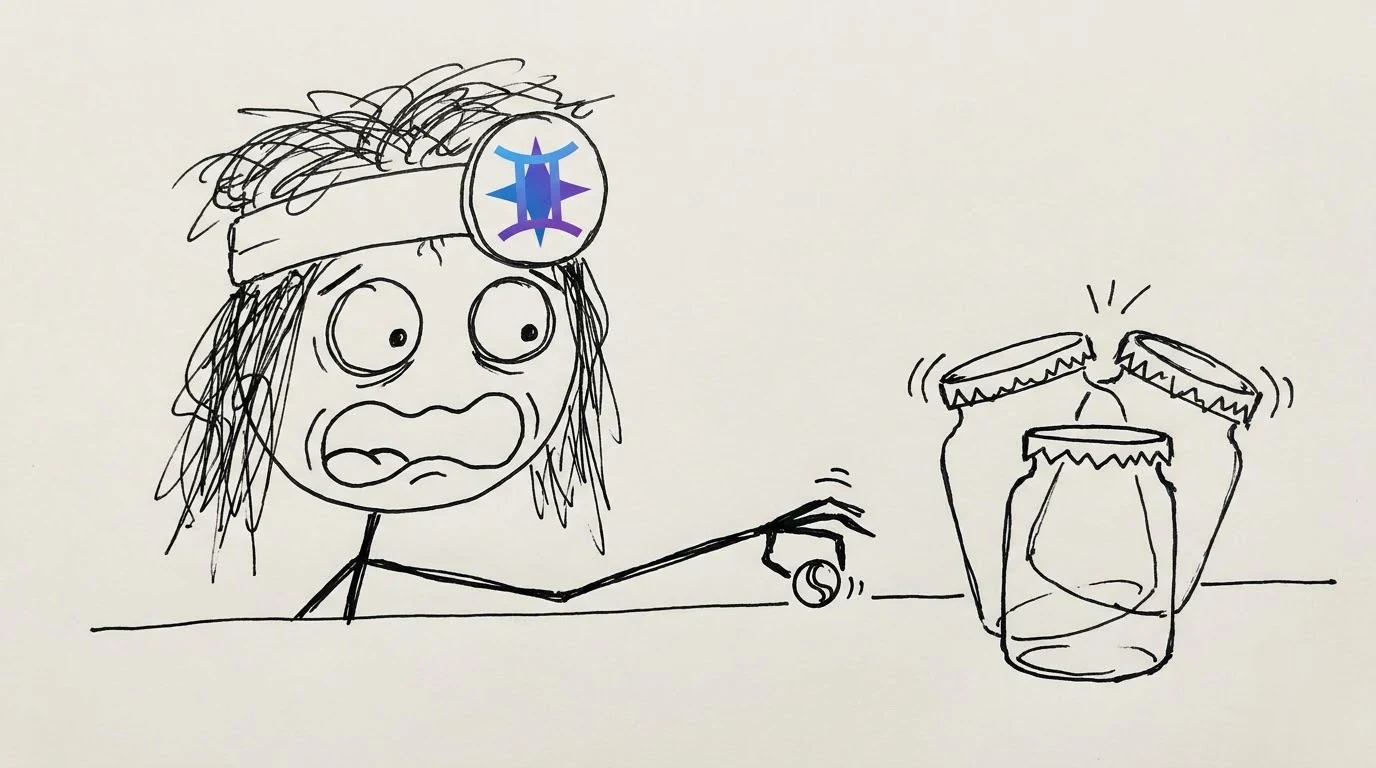
At the cap, Google says it moves you to smaller models instead of locking you out. Gemini Help says subscribers who reach their limit can carry on with Flash-Lite. For people without a plan, it only says that heavier features such as Deep Research may be unavailable when demand is high.
Source: Gemini Apps limits & feature availability - Gemini Apps Help · 2026-11-10; Everything new in our Google AI subscriptions, fresh from I/O 2026 · 2026-11-10
Our take: compute-based limits are fairer in theory, since a one-line question shouldn't cost the same as a huge research job. In practice they're frustrating because Google publishes only multipliers. "4x free" tells you nothing when nobody tells you what free is. The Flash-Lite fallback is a soft landing, not a refund. If you're halfway through serious work, a quiet switch to a smaller model can be worse than a clear error message.
Two kinds of credit, often confused
Monthly Google Flow credits come with your plan: 200 on AI Plus, 1,000 on AI Pro, and 10,000 or 25,000 on Ultra depending on tier. They refresh at the start of your billing cycle, and unused ones don't roll over. Purchased AI credits are a separate balance. You buy them through Google One in amounts such as 2,500, 5,000 or 20,000, either once or with auto-reload. Auto-reload is limited to five reloads a day. Purchased credits may expire after a period that's stated when you buy them.
Source: Manage your Google Flow credits - Google Flow Help · 2026-11-10; Purchase Google AI credits - Google One Help · 2026-11-10
Which plans can buy credits? Google's pages disagree. Google One's purchase page says AI credits are only for Google AI Pro and Ultra. Flow Help says Plus, Pro and Ultra subscribers can buy them in supported regions, except Japan. Both pages exclude Japan. In a Google One family group, only the plan manager can buy credits.
Source: Purchase Google AI credits - Google One Help · 2026-11-10; Manage your Google Flow credits - Google Flow Help · 2026-11-10
Any unused AI credits may be forfeited upon termination or cancellation of your Google One plan.
Google One Additional Terms of Service, last modified October 1, 2026Source: Google One Additional Terms of Service · 2026-11-10
Why this matters: if you buy credits and then cancel or downgrade, you could lose the unused balance, subject to refund policies. The same terms say credits can't be sold or transferred to another account, and that Google may change how many credits a feature costs.
Source: Google One Additional Terms of Service · 2026-11-10

- Check where you standGo to gemini.google.com, select Settings at the bottom left, then choose Usage Limits.
- Confirm credits work where you need themGoogle One Help lists Flow and Antigravity. If your problem is the Gemini chat app, check that your purchase screen or account says credits apply there before you buy.
- Buy credits once if they doOn Google One's AI credits page, select Get AI credits, choose an amount, then select Buy. You can also turn on auto-reload, which tops up your balance when it falls below a threshold you set.
Source: Gemini Apps limits & feature availability - Gemini Apps Help · 2026-11-10; Purchase Google AI credits - Google One Help · 2026-11-10
Check before you upgrade just for more usage
- Are you on a personal Google Account you manage yourself? Google AI plans require one.
- Is your country on the list for the plan you want, and are you outside Japan if you plan to buy credits?
- Is it the five-hour window or the weekly limit you keep hitting? Waiting five hours fixes the first one.
- Would credits for Flow or Antigravity be enough instead of a bigger plan?
- Do you have unused purchased credits that could be forfeited if you change or cancel your plan?
Source: Google AI Plans and Features - Gemini · 2026-11-10; Purchase Google AI credits - Google One Help · 2026-11-10; Google One Additional Terms of Service · 2026-11-10
Our take: jumping from Pro to Ultra just for headroom is the most overrated move here. Pay-as-you-go credits for an occasional heavy week sound better on paper than a permanent upgrade. Until Google's help pages agree on whether credits cover the Gemini chat app, treat them as a tool for Flow and Antigravity, not a guaranteed fix for chat. A heavy chat user who hits the weekly cap every week has a plan problem, not a top-up problem.
Optional: compare Gemini plan listings from a seller (a third-party listing, not official Google access or an endorsement). That link carries our partner code Sk52g, which is how a purchase is attributed to this site. Promotion code UPD3S.
Sources (all read 2026-11-10)
- Google AI Plans and Features - Gemini
- Everything new in our Google AI subscriptions, fresh from I/O 2026
- Gemini Apps limits & feature availability - Gemini Apps Help
- Purchase Google AI credits - Google One Help
- Manage your Google Flow credits - Google Flow Help
- Use Google AI Pro benefits - Google One Help
- Google One Additional Terms of Service