Reading
ChatGPT file download failed: what to check next
Check expired file links, download size, VPN interference and custom GPT settings, then gather useful details if you need support.
Prices last read 2026-09-24
What the error means
ChatGPT’s “Download failed” or “File Not Found” can involve an expired generated file, the 512 MB size limit, VPN or proxy interference, or a custom GPT’s Code Interpreter configuration.OpenAI recommends checking that the file is recent and under 512 MB, disabling VPNs or proxies, and enabling and saving Code Interpreter for custom GPTs.Source: Troubleshooting ChatGPT Error Messages · 2026-09-24
OpenAI says generated files expire quickly but gives no exact lifetime in this guidance. Treat an older link as a reason to try a fresh file, not proof of the cause.
Source: Troubleshooting ChatGPT Error Messages · 2026-09-24
- 1. Request a fresh fileOur suggested first step: ask ChatGPT to recreate the requested file and provide a new download link. Try downloading it as soon as generation finishes.
- 2. Check sizeOpenAI specifies a download below 512 MB. Our suggestion for a large export: request a smaller version or separate files, each below that limit.
- 3. Isolate the connectionOpenAI recommends disabling VPNs or proxies. Our suggestion: temporarily turn yours off, retry the fresh download, and record whether the result changes.
Source: Troubleshooting ChatGPT Error Messages · 2026-09-24
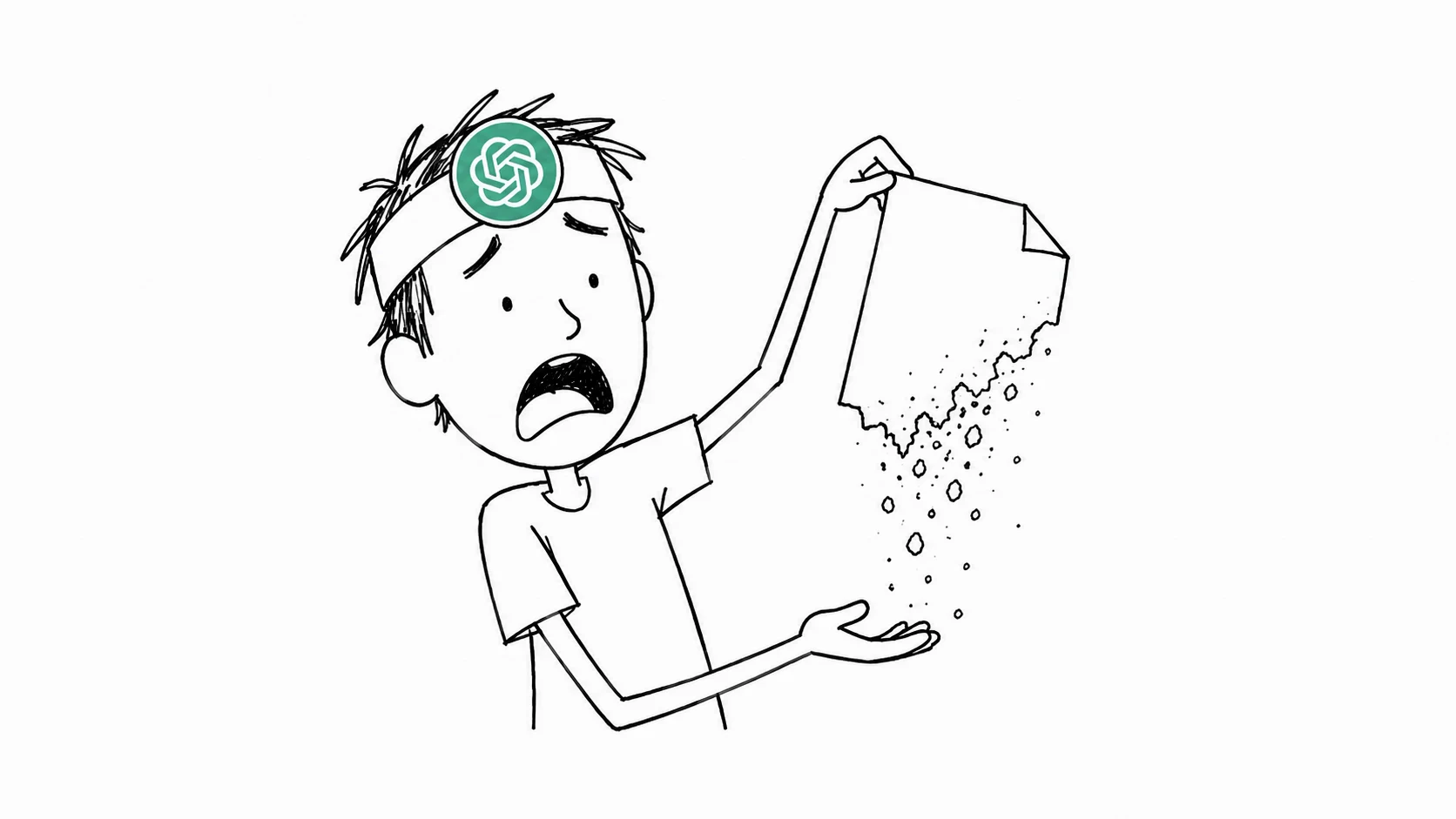
Suggested prompt for the fresh-file check
“Please recreate the spreadsheet from this conversation as a new downloadable file. If it is too large, split it into smaller files.” Keep your original requirements in the request, then check the downloaded content before relying on it.
For a custom GPT you can edit, check that Code Interpreter & Data Analysis is enabled, then save/update the GPT. OpenAI also recommends confirming that file generation completed, trying a smaller output, and repeating the task in Preview. Its guidance explicitly notes that some failures concern the file link rather than the GPT configuration.
Source: Troubleshooting GPTs · 2026-09-24; Troubleshooting ChatGPT Error Messages · 2026-09-24
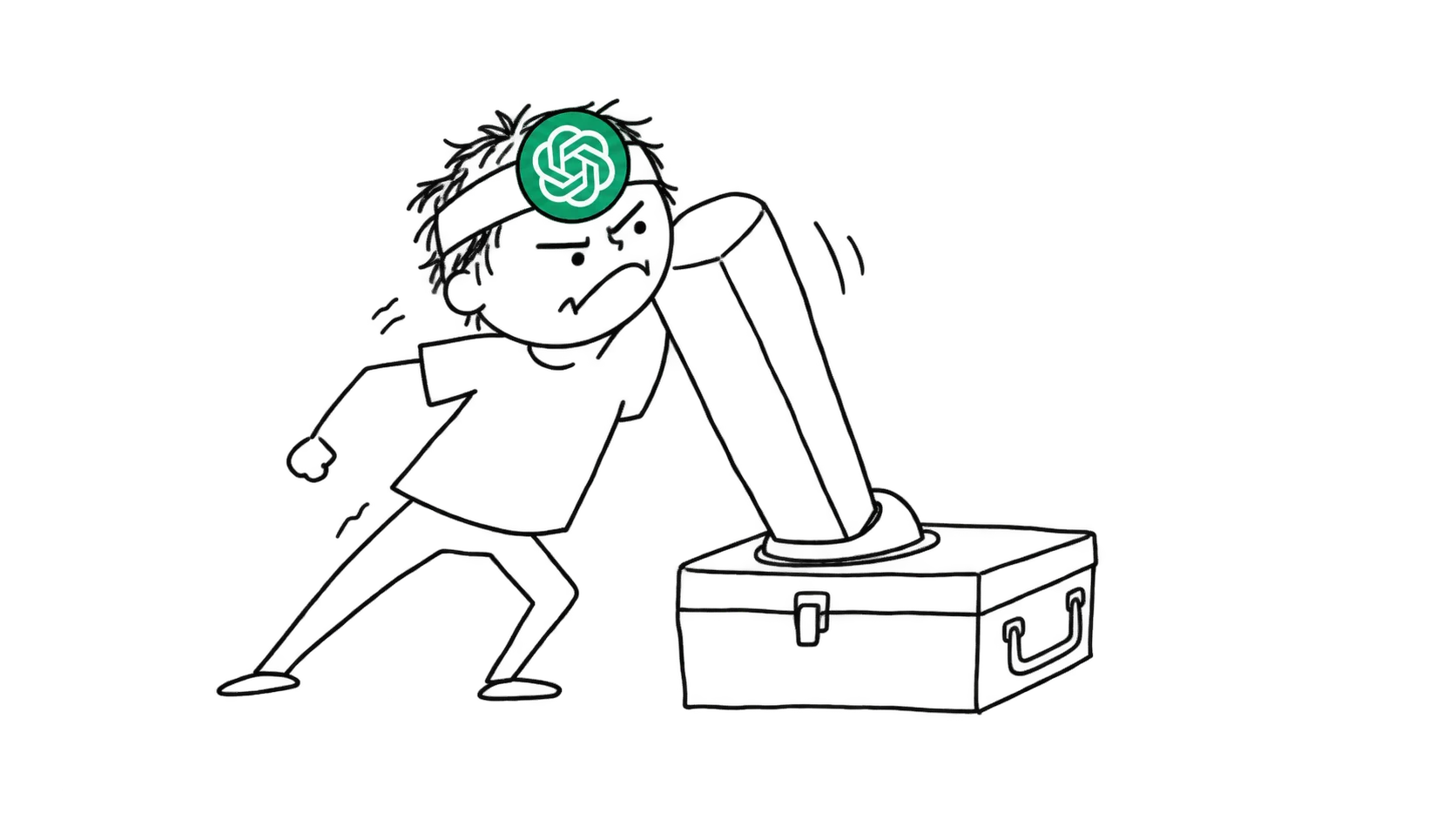
Our stopping point: once a fresh file downloads and you have checked its contents, stop troubleshooting. If the same error persists after these checks, stop repeating the same request and prepare a support report.
Prepare a useful support report
- Record the exact error, reproduction steps, date, time and time zone.
- Include your browser, operating system, device and network environment.
- For a custom GPT, include its link or ID.
- Contact OpenAI through the chat bubble at the bottom-right of help.openai.com. If providing a HAR recording, follow its support instructions and remove sensitive information before sharing.
Source: How can I contact support? · 2026-09-24
Output may not always be accurate.
OpenAI Terms of Use, Accuracy section; read September 24, 2026Source: Terms of Use · 2026-09-24
This concerns the recovered file’s content: a successful download does not establish accuracy. OpenAI’s terms require evaluating output before using or sharing it.
Source: Terms of Use · 2026-09-24
Optional shopping: ChatGPT seller listing (affiliate link; not official access or an endorsement).. That link carries our partner code Sk52g, which is how a purchase is attributed to this site. Promotion code UPD3S.
Sources read September 24, 2026