Reading
Cancelled Mistral? Your API Meter May Still Be Running
Unsubscribing from Pro or Team doesn't turn off Mistral's pay-as-you-go. Here's the second switch most people miss, and how to stop charges for real.
Prices last read 2026-11-03
Short answer
Cancelling your plan does not turn off pay-as-you-go. Mistral treats them as two separate settings, so you have to switch off each one yourself.Mistral's help centre says pay-as-you-go is separate from your subscription. You disable it in a different part of the Admin panel. Until you do, any usage above your included monthly allowance is billed to prepaid credits, and auto-recharge, if it's on, can top those credits up from your card.Source: How can I upgrade or cancel my subscription? · 2026-11-03; Billing – Mistral docs · 2026-11-03
Mistral's own explanation of the setup has two parts. First, plans are global: the same plan applies to Vibe, Studio and API usage, and those products share one monthly allowance that is used up first. Second, pay-as-you-go is not a separate API plan. It is an extension that covers usage beyond that allowance and draws on prepaid credits. That means 'Unsubscribe' changes your plan but leaves the overflow setting exactly as it was.
Source: Subscriptions – Mistral docs · 2026-11-03; Usage and limits – Mistral docs · 2026-11-03
Pay-as-you-go is a separate setting from your subscription.
Mistral Help Center, 'How can I upgrade or cancel my subscription?' (last updated 12 August 2026)Source: How can I upgrade or cancel my subscription? · 2026-11-03
Why this sentence matters: if you only cancel the plan, an API key in a script, a CI job or a forgotten integration can keep using credits. Mistral's docs say every API key automatically follows your Organization's plan and pay-as-you-go settings, and there is no per-key Free or paid mode. So you can't fix this from the key. You fix it at the Organization level.
Source: API keys – Mistral docs · 2026-11-03
Step one: downgrade the Pro or Team plan
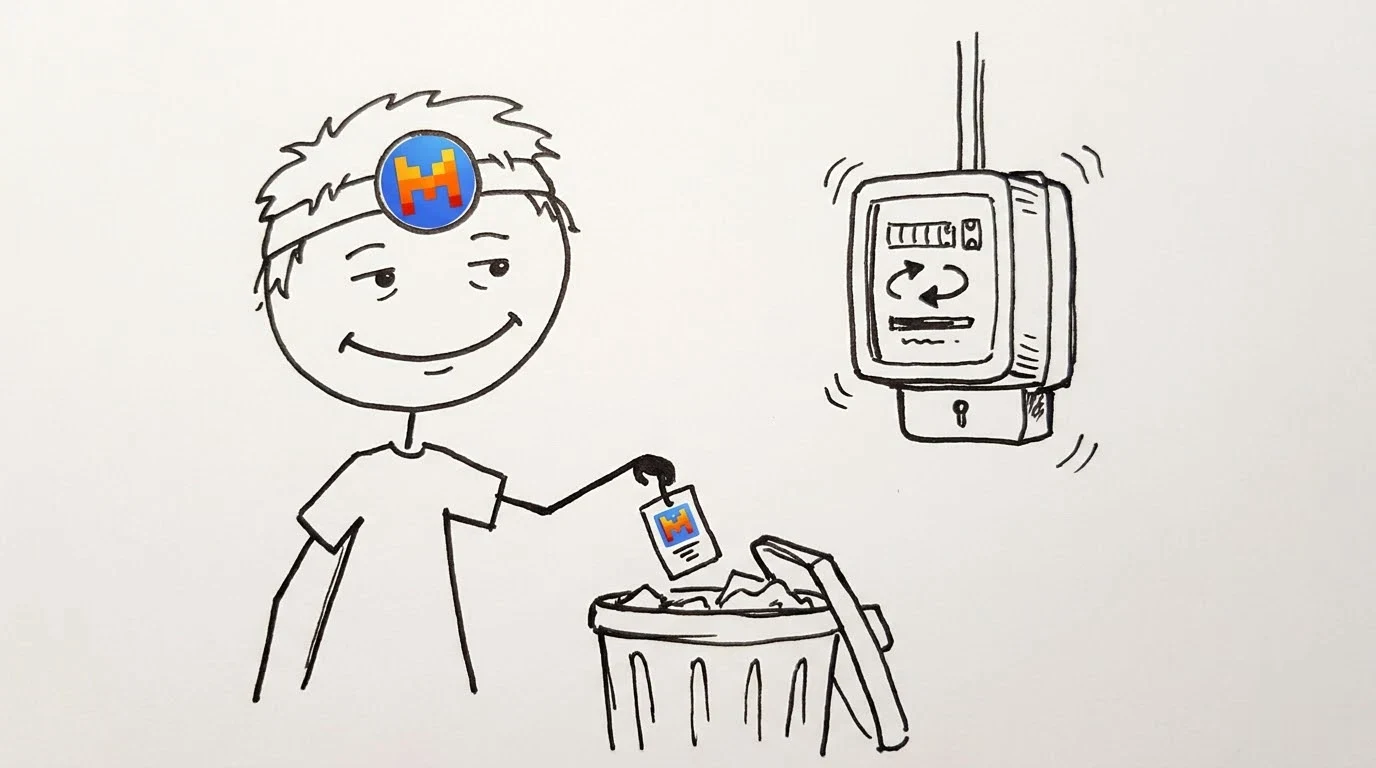
- Find where you bought the planIf you subscribed on Mistral's website, use the Admin panel (admin.mistral.ai/subscriptions). If you subscribed in the iOS or Android app, cancel through the App Store or Google Play. If you subscribed through a mobile carrier (Mistral lists Free Mobile, Orange and NJU), cancel with the carrier. If your organization manages your account, ask your administrator.
- Unsubscribe in the Admin panelOpen Subscriptions, go to the Subscription tab, choose Unsubscribe under 'Downgrade to Free', and confirm. Mistral sends you a confirmation email.
- Know which cancellation rule appliesIf you cancel within 14 days of your first purchase, the cancellation takes effect immediately, your plan switches to free, and you may get a refund under the refund policy. After 14 days, you keep the plan until the end of the billing period and then move to Free mode. You can undo this before then with Resume subscription.
Source: How can I upgrade or cancel my subscription? · 2026-11-03
Step two: turn off pay-as-you-go (the step people miss)
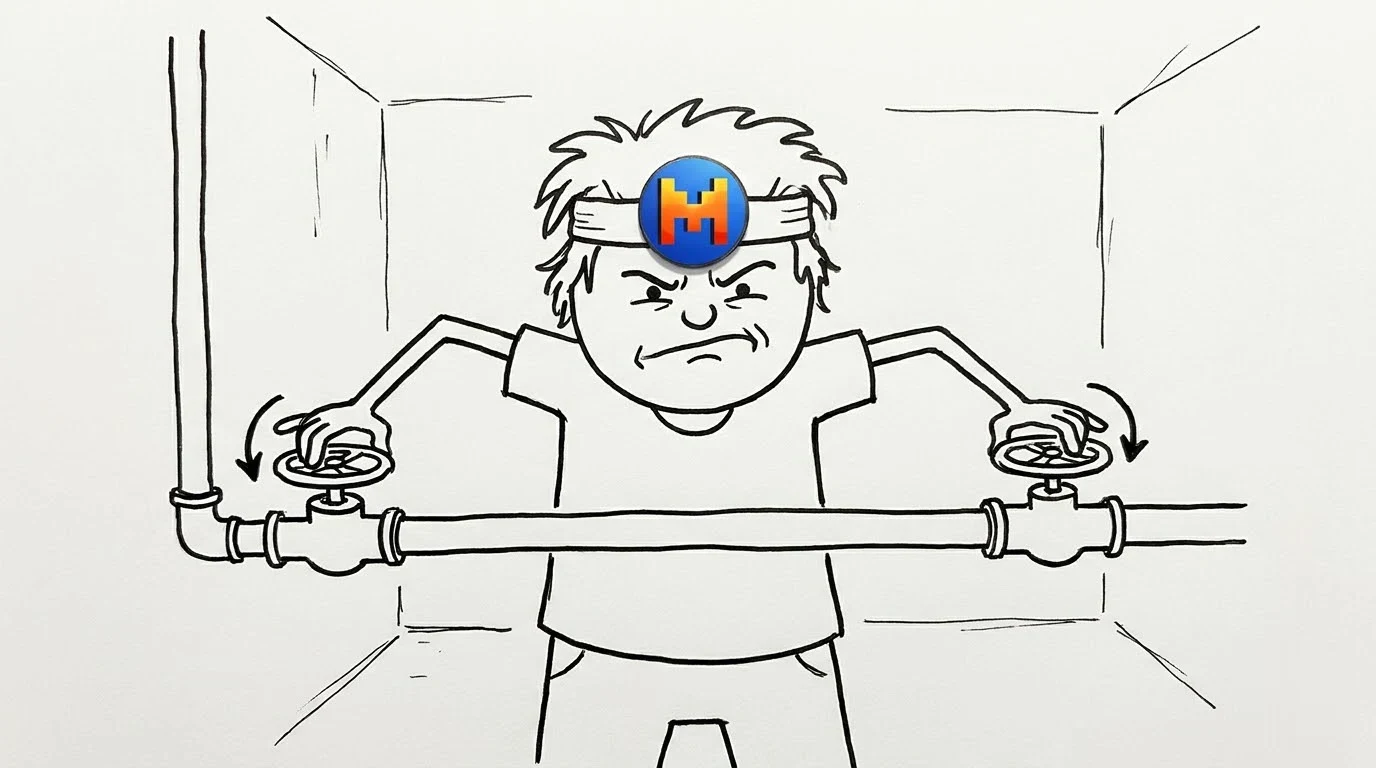
- Open the platform subscription pageThe help centre says to disable pay-as-you-go and return to Free mode in the Subscriptions section at admin.mistral.ai/plateforme/subscription. This is separate from the plan cancellation above.
- Check auto-recharge and spending limitsOn the Billing page, auto-recharge charges your payment method whenever your credit balance drops below a threshold you set. The docs only describe how to turn it on, so check that it's off in the console. You can also set an Organization monthly spending limit for API and Vibe. If usage reaches that limit, API access can be suspended until the next month.
- Confirm it workedLook at Admin Panel › API › Usage for cost breakdowns, and check the Invoices list on the Billing page.
Source: How can I upgrade or cancel my subscription? · 2026-11-03; Billing – Mistral docs · 2026-11-03; Usage and limits – Mistral docs · 2026-11-03
What Free mode still allows
Free mode doesn't delete your keys. You can still create API keys and use the included monthly allowance within the published limits. If pay-as-you-go is off and you go over, Mistral says usage can stop until the next billing period. To cut off a particular app, an admin can delete its key in the Admin panel's API Keys list.
Source: Usage and limits – Mistral docs · 2026-11-03; Subscriptions – Mistral docs · 2026-11-03; API keys – Mistral docs · 2026-11-03
The take: one plan everywhere is clever, two off-switches is not
I like Mistral's unified plan. One allowance across chat, Studio, the API and Vibe Code is simpler than paying separately for a chatbot and a developer account. But the cancel flow undermines that simplicity. A button labelled 'Downgrade to Free' suggests you're going back to free. In reality, the paid overflow setting lives on a different URL, under a 'plateforme' path, and stays on until you find it. The prepaid model does limit the damage, since you can't spend credits you haven't bought. That protection only goes so far, though, if auto-recharge keeps refilling your balance. My view is that the cancel screen should either offer to switch off pay-as-you-go or at least show a warning that it's still on. Until Mistral does that, treat it as two separate cancellations.
Before you consider it cancelled
- Plan shows Free, or an end date, under Subscriptions
- Pay-as-you-go is disabled on the platform subscription page
- Auto-recharge is off on the Billing page
- Unused API keys are deleted
- App Store, Google Play or carrier subscriptions are cancelled where you bought them
Source: How can I upgrade or cancel my subscription? · 2026-11-03; Billing – Mistral docs · 2026-11-03; API keys – Mistral docs · 2026-11-03
Optional: see seller listings for Mistral AI plans on SlotPrices. These are third-party offers, not official Mistral access, and we don't endorse them.. That link carries our partner code Sk52g, which is how a purchase is attributed to this site. Promotion code UPD3S.
Sources (all read 2026-11-03)