Reading
Cancel Manus and Your Monthly Credits Hit Zero. Not All of Them
Canceling Manus wipes some credits for good and only freezes others. Here's which is which, and how to cancel without paying for another cycle.
Prices last read 2026-11-04
Short answer
Yes, you lose your unused monthly credits. Add-on and event credits are a different story.Manus's help center says membership benefits, including access to credits, end when the subscription ends. Unused monthly allocation credits reset to 0 at the end of the cycle, and Manus says they cannot be reinstated. Add-on and event credits aren't deleted. They become inactive while you're on the Free plan, and Manus says previously unused credits can be reactivated if you renew or subscribe to a new membership plan.Source: What happens to my credits after canceling or letting my Manus subscription expire? · 2026-11-04
However, monthly credits that were reset to 0 cannot be reinstated.
Manus Help Center, credits after canceling or expiration (last updated September 8, 2026)Source: What happens to my credits after canceling or letting my Manus subscription expire? · 2026-11-04
This sentence matters most if you're thinking of canceling with a large monthly balance left. Coming back later doesn't restore that balance. Only purchased add-on credits and event credits can come back to life, and only once you're on a paid plan again.
Source: What happens to my credits after canceling or letting my Manus subscription expire? · 2026-11-04
Two kinds of credits, two different outcomes
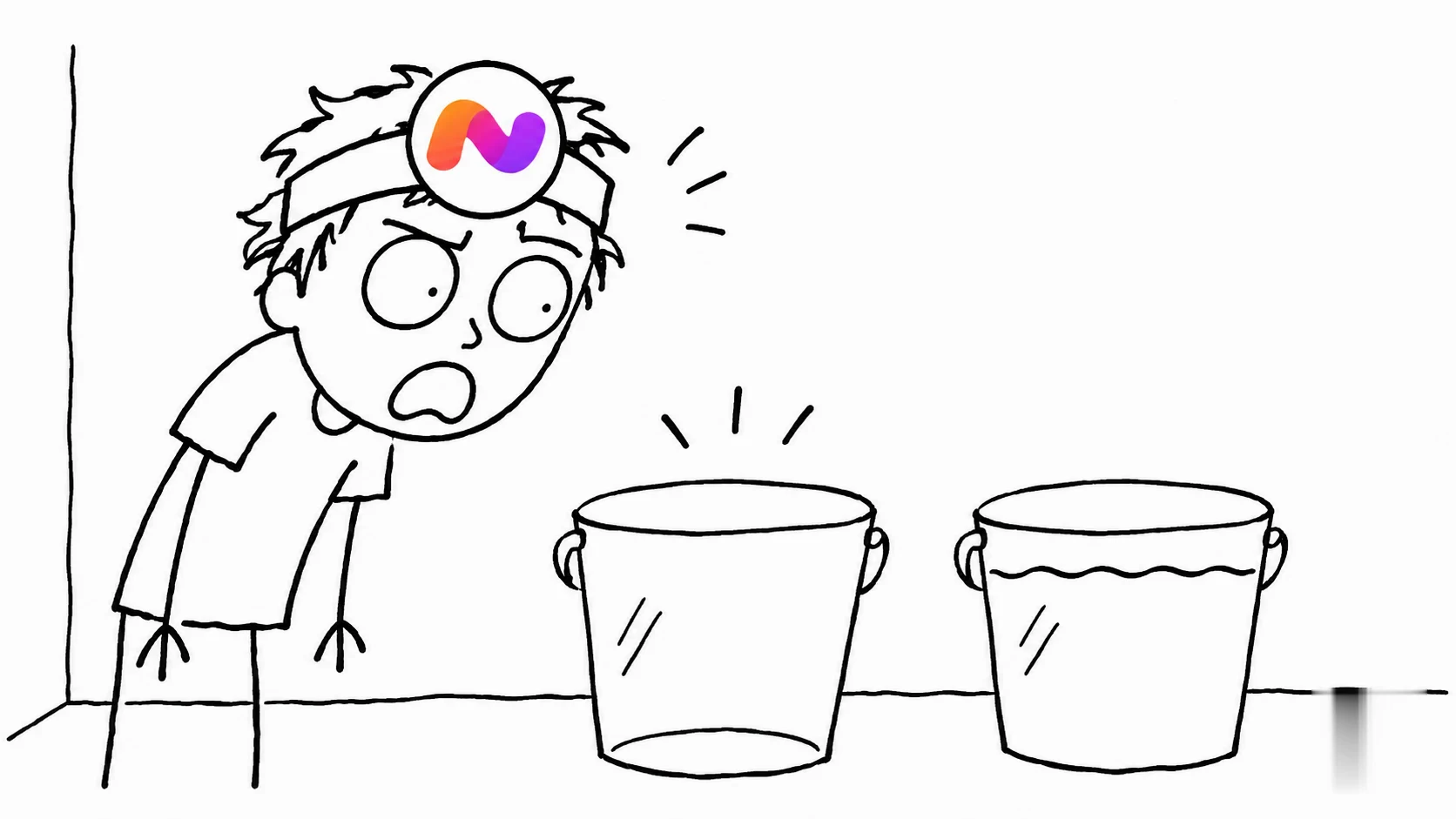
What happens to each credit type when you cancel or go Free
- Monthly membership credits are tied to an active subscription. They reset to 0 when the cycle ends and can't be restored.
- Add-on and event credits only work with an active paid subscription. They carry over between cycles while you stay subscribed.
- On the Free plan, or after your subscription lapses, add-on and event credits become inactive. They aren't erased.
- If you renew or start a new paid plan, Manus says previously unused credits can be reactivated. Monthly credits that already reset to 0 are not included.
Source: What happens to my credits after canceling or letting my Manus subscription expire? · 2026-11-04
Our take: "inactive" is a nicer word for locked
Calling add-on credits "inactive" sounds comforting. In practice, credits you paid for separately sit behind a paywall until you subscribe again. Freezing them is better than deleting them, and Manus does document it clearly. Still, someone who bought a top-up and then downgraded will feel like they paid twice. The fair approach for any credit-based AI tool is to let purchased credits work on every plan. Monthly allowances are a different matter. Use-it-or-lose-it is the norm there, and we're not angry about it.
Before you cancel: drain the right bucket
Manus itself recommends using purchased credits within your subscription cycle and planning ahead if you expect to cancel or move to Free. It also suggests checking whether you upgraded your plan or bought add-on credits, so you know which balance you're looking at.
Source: What happens to my credits after canceling or letting my Manus subscription expire? · 2026-11-04
Our practical suggestion is to run your heavy tasks before the cycle ends, because that monthly balance is the one you can't get back. Leftover add-on credits are less urgent. They'll be waiting if you return, so don't burn them on busywork just to feel like you used them.
How to cancel: it depends on where you paid
Manus gives a separate cancellation route for each billing channel. If you cancel during a seven-day free trial before you're charged, you won't be charged. If you've already been charged, canceling only stops the next renewal and doesn't refund the current charge.
Source: How can I cancel my subscription? · 2026-11-04
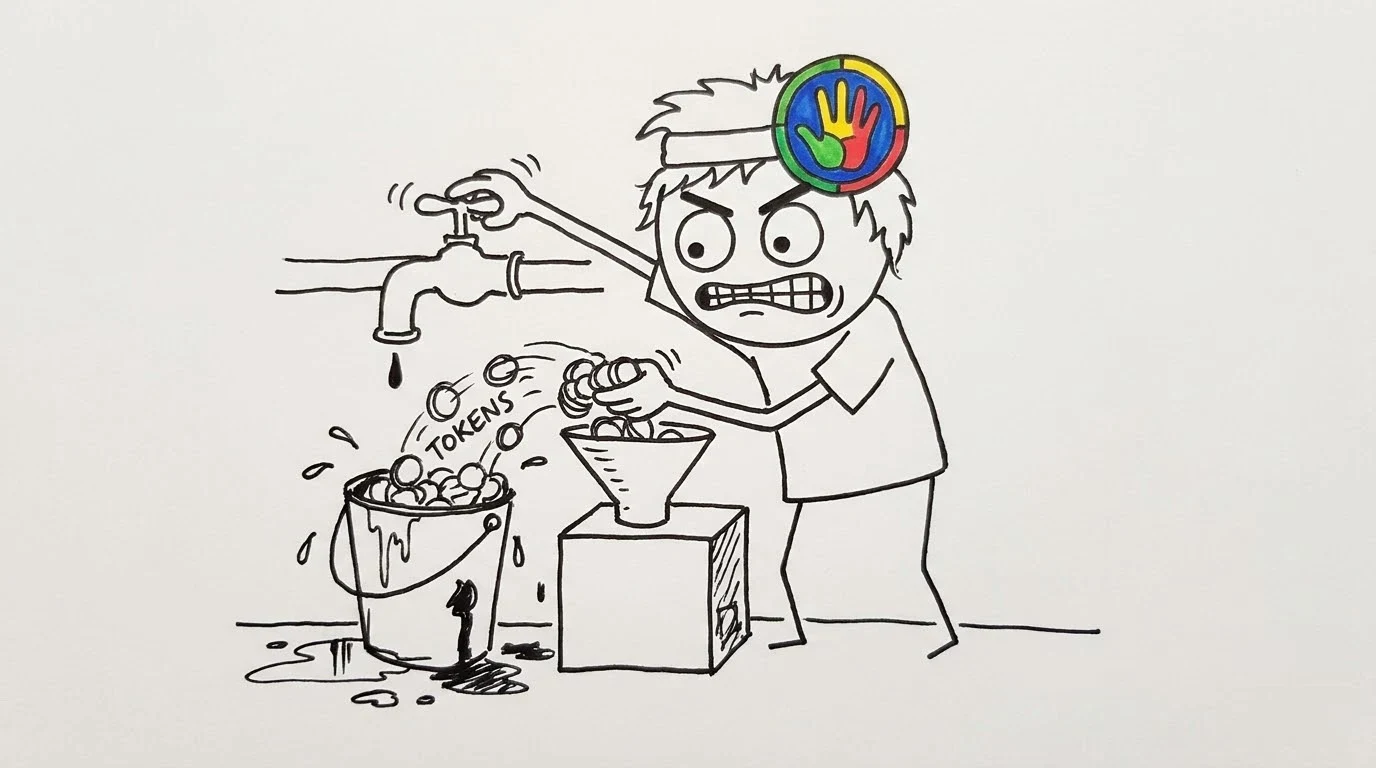
- Paid on the web (Stripe)Open the Manus app at manus.im/app, click your profile avatar in the top right corner, click Account, then Upgrade or Manage, and click "Downgrade to Free" in the bottom right corner.
- Paid through Apple (iOS)Open Settings on your iPhone, tap your Apple Account, select Subscriptions, tap Manus, then tap Cancel Subscription and confirm.
- Paid through Google PlayIn the Play Store app, make sure you're signed in to the right Google account, go to Menu > Subscriptions, select Manus and tap Cancel subscription. You can also do this on Google Play's subscriptions page on the web: click Manage on Manus, then Cancel subscription, choose a reason and click Continue.
- Check when the downgrade takes effectManus says you can check your account/usage tab to see when your downgrade will take effect.
Source: How can I cancel my subscription? · 2026-11-04
Uninstalling the Manus Apple app will not cancel your subscription.
Manus Help Center, How can I cancel my subscription? (last updated October 1, 2026)Source: How can I cancel my subscription? · 2026-11-04
Manus has the same warning for Android: removing the app doesn't stop billing. If you subscribed with a Cue phone number, Manus says cancellation and refunds are separate steps, and you should contact support if your refund isn't complete.
Source: How can I cancel my subscription? · 2026-11-04
What annoys users here
Three different cancel buttons in three places is how people end up paying for a month they didn't want. The worst mistake is deleting the app and assuming you're done. Find the channel you actually paid through, cancel there, and then check the usage tab for the downgrade date.
Optional: see a seller listing for Manus plans. It's a reseller listing, not official Manus access or an endorsement.. That link carries our partner code Sk52g, which is how a purchase is attributed to this site. Promotion code UPD3S.
Sources (read 2026-11-04)