Reading
Filmin Download Won't Play Offline? It's Probably Day 31
Your Filmin movie downloaded fine and still won't play on the plane. Here are the four usual causes and Filmin's own fix, in order.
Prices last read 2026-11-05
Short answer
A Filmin download that won't play offline has usually expired, is on an unsupported device, has run out of storage, or was never played once while you were online.Filmin says every downloaded title expires 30 days after you download it. Offline downloads only work in the Filmin app on iOS and Android phones and tablets, and they can't be stored on an SD card or other external memory. Filmin's documented fix is to delete the download, reinstall the app so you have the latest version, check your free storage, and download the title again. Filmin also recommends playing the title once with an internet connection before you watch it offline.Source: Descarga de series y películas – Filmin Ayuda · 2026-11-05; Tengo problemas con un título descargado – Filmin Ayuda · 2026-11-05
Here's my view. Most "Filmin is broken" moments aren't bugs. The rules are reasonable, but nobody reads them until they're stuck at 30,000 feet. Filmin keeps its most useful tip, "watch it online once first", at the bottom of a troubleshooting article. It should be the first thing you see when you tap the download arrow.
Cause 1: the 30-day clock ran out
Filmin downloads expire 30 days after you download them, not 30 days after you last watched them. If you saved a film for a trip last month, it may have expired by the time you open it. You can't stretch it with offline mode. Delete it and download it again while you're connected.
Source: Descarga de series y películas – Filmin Ayuda · 2026-11-05
Todos los títulos descargados caducan a los 30 días de su descarga.
Filmin Ayuda, "Descarga de series y películas", read 2026-11-05Source: Descarga de series y películas – Filmin Ayuda · 2026-11-05
Translation: all downloaded titles expire 30 days after they're downloaded. This is why a file that played fine a few weeks ago can stop working without any warning on your end.
Source: Descarga de series y películas – Filmin Ayuda · 2026-11-05
Cause 2: the device isn't supported
Offline downloads only work in the Filmin app on iOS and Android phones and tablets. Filmin's iOS help page says the app requires iOS 15 or later. It also says your device and Apple ID should be set to Spain, because other country settings can cause problems downloading the app. On Android, Filmin supports major phone and tablet brands running Android 9 or later. It warns that Android 8 may have stability problems and recommends updating your system when you can.
Source: Descarga de series y películas – Filmin Ayuda · 2026-11-05; Ver Filmin en móvil y tablet iOS – Filmin Ayuda · 2026-11-05; Ver Filmin en móvil y tablet Android – Filmin Ayuda · 2026-11-05
Cause 3: storage, and no, the SD card won't help
File size varies by title, and Filmin shows the size of each film, episode or short. To free space, delete old downloads from the downloads section using the EDIT option. Filmin says downloaded content can't be stored on external memory or SD cards, so your phone's internal storage has to fit the whole file.
Source: Descarga de series y películas – Filmin Ayuda · 2026-11-05
The no-SD-card rule is the one I'd complain about most. Budget Android phones with small internal storage and a big microSD slot are exactly the devices people take travelling. Still, it's the rule. Plan your downloads around internal space instead of fighting it.
Cause 4: it was never played online first
In its troubleshooting article, Filmin recommends watching a title for the first time with an internet connection, then offline. Treat it as a pre-flight check: download, press play for a few seconds on Wi-Fi, then disconnect.
Source: Tengo problemas con un título descargado – Filmin Ayuda · 2026-11-05
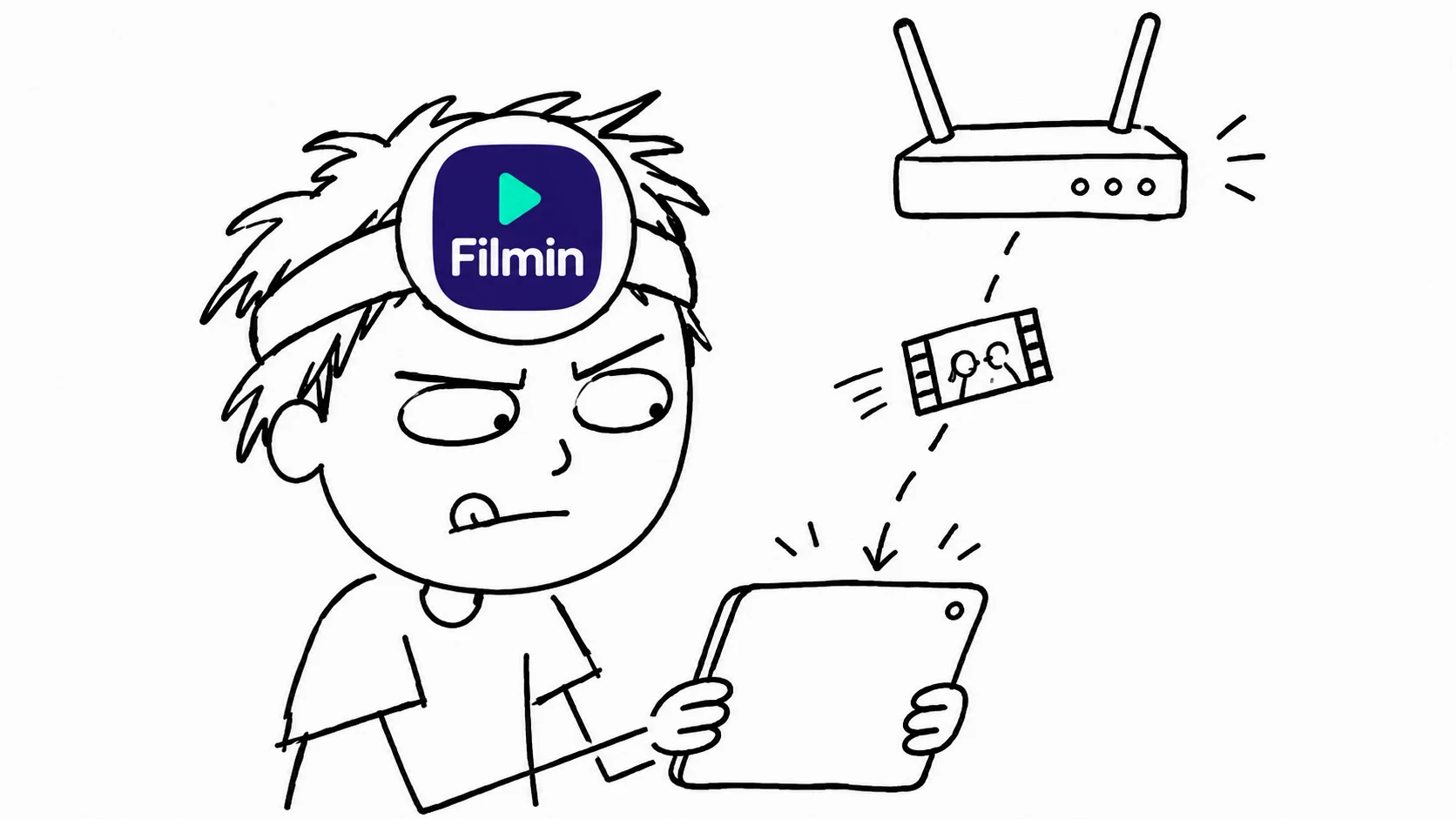
- Delete the broken downloadRemove the saved title from your downloads in Mi Filmin.
- Reinstall or update the appFilmin says to reinstall so you're sure you have the latest version.
- Check free storageMake sure there's enough internal space for the title's listed file size.
- Download it againTap the down-arrow icon below WATCH NOW on the title's page.
- Play it once onlineStart it with an internet connection before you go offline, as Filmin recommends.
Source: Tengo problemas con un título descargado – Filmin Ayuda · 2026-11-05; Descarga de series y películas – Filmin Ayuda · 2026-11-05
Not every title can be downloaded
Filmin says downloads cover a large part of the catalogue but not all of it. If you see an alert icon instead of the download arrow, that title can't be saved, and Filmin points you to titles that can.
Source: Descarga de series y películas – Filmin Ayuda · 2026-11-05
If it still fails, send Filmin support these details
- Your exact device model
- Your iOS or Android version
- The title that won't play
- Your Filmin username
Source: Tengo problemas con un título descargado – Filmin Ayuda · 2026-11-05
Our verdict: Filmin's offline mode is fine if you treat it like milk with a sell-by date. Download a day or two before you leave, play each title once on Wi-Fi, and keep internal storage free. Do that and the "it won't play" panic mostly goes away.
Optional: see a seller listing for Filmin (third-party offer, not official access or an endorsement). That link carries our partner code Sk52g, which is how a purchase is attributed to this site. Promotion code UPD3S.
Sources (read 2026-11-05)