Reading
Claude Code Mods Can Read Your API Key. Anthropic Admits It
Claude Code's new mods are unsandboxed and can read your secrets, and Anthropic's docs say so. Here's who should install them and how to check one first.
Prices last read 2026-10-05
Short answer
Yes, but only from authors you would trust with your API key, because that's what you're doing.According to Anthropic's own docs, a mod is code that runs inside Claude Code with your permissions. It is not sandboxed. It can read environment variables and settings files, including an API key stored in either. It can also see every prompt and tool call, and it can approve tool calls without asking you. Before you install a mod, run `claude plugin validate` on its folder, and treat anything that reads env vars or makes network requests as a red flag unless you know the author.Source: Mods overview – Claude Code Docs · 2026-10-05
What actually shipped
Mixed News reports that Anthropic published Claude Code 2.1.287 to npm on October 1. That release introduced mods: JavaScript or TypeScript event handlers that Claude Code calls when something happens, such as a tool call, a submitted prompt, or part of the interface being drawn. Anthropic's changelog describes the 2.1.287 headline as plugins that "may now modify deeper behavior." The docs say mods need v2.1.287 or later and are on by default. As of today, npm's stable tag still points to 2.1.285, while latest is 2.1.289. So if you're on the stable channel, you don't have mods yet.
Source: Claude Code 2.1.287 mods aren't sandboxed and can read your API key – Mixed News · 2026-10-05; Claude Code CHANGELOG.md – GitHub · 2026-10-05; @anthropic-ai/claude-code – npm registry · 2026-10-05; Mods overview – Claude Code Docs · 2026-10-05
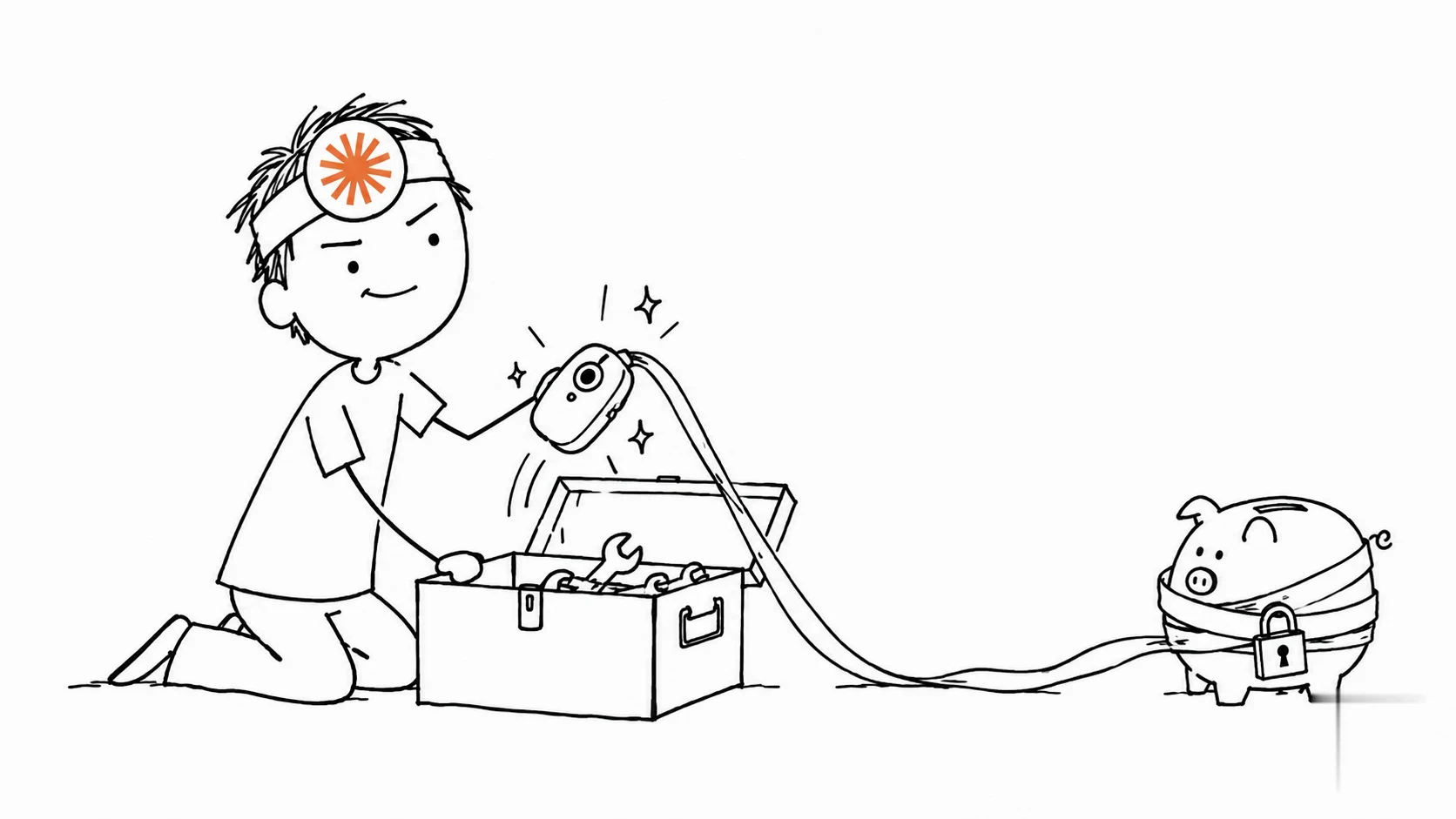
Mods aren't sandboxed.
Anthropic, Claude Code Docs: Mods overview (read 2026-10-05)Source: Mods overview – Claude Code Docs · 2026-10-05
Why that line matters: Anthropic says that turning on sandboxing isolates the Bash commands Claude runs, but a process a mod starts runs outside the sandbox. The docs also list what a loaded mod can reach. It can read and write files anywhere your account can, start programs, and make network requests. It can read your secrets. It can rewrite prompts and tool calls, and it can spend your usage by calling a model on your plan or API key. A mod can't restyle the permission prompt, but it can approve a call before that prompt ever appears.
Source: Mods overview – Claude Code Docs · 2026-10-05
There is a built-in guard, called sec-default, but it doesn't cover everyone. The admin docs say it loads only when the machine has managed settings or the user is signed in with a Team or Enterprise plan. If you authenticate with an API key, or through Bedrock, Google Cloud, or Foundry, you get the guard only on a machine with managed settings. Even where it loads, the guard mainly protects what your organization manages. A user's mod can still read files, start processes, and make network requests. The docs also note that with `Read(.env)` denied, a mod can still read that file directly.
Source: Manage mods for your organization – Claude Code Docs · 2026-10-05
Our take: credit for honesty, not for the design
Anthropic gets real points here. Most plugin systems hide their blast radius in a security FAQ nobody reads. Claude Code puts 'can read your API key' in the overview, in plain English. That's underrated. What's overrated is the idea that honest docs make the risk smaller. A coding agent's plugin can watch every prompt, approve its own tool calls, and quietly hit the network with your key in hand. That's a gift to supply-chain attackers, and the npm-and-GitHub world has shown how often 'trusted' packages turn bad after an update. Mods should be opt-in, not on by default, and solo Pro and Max users deserve the same guard Team plans get. Until that happens, treat mods like browser extensions: install few, from known names, and remove the ones you stop using.
How to vet a mod before you install it

- Check where it comes fromRun `claude plugin marketplace list` to see each marketplace's source. Official and community marketplace names are accepted only from github.com/anthropics/ repositories. Everything else is third-party, including a coworker's.
- Read what it calls, without running itClone the plugin and run `claude plugin validate ./some-mod`. The `hooks:` line lists the events it handles. The `calls:` line lists the API methods it uses.
- Look for the risky calls`$.env.get` and `$.settings.read` read env vars and settings that can hold API keys. `$.http.fetch` makes network requests. `$.process.run` starts programs. `$.model.complete` spends your plan or key. A `tool.check` hook can approve tool calls before a prompt appears.
- Watch auto-updatesIf auto-update is on for a marketplace, the files you reviewed can change on disk in the background. For a mod you've vetted, consider turning auto-update off for that marketplace.
Source: Plugin security and trust – Claude Code Docs · 2026-10-05; Manage mods for your organization – Claude Code Docs · 2026-10-05
How to turn mods off
- Turn off one mod: disable or uninstall its plugin from the Installed tab in /plugin.
- Turn off all installed mods for one session: start Claude Code with --safe-mode. This also disables your other customizations.
- Turn off every installed mod everywhere: set "disableAllHooks": true in ~/.claude/settings.json. This also stops your settings hooks and custom status line.
- Built-in mods are not stopped by --safe-mode or disableAllHooks; disable those individually in /plugin.
- Setting CLAUDE_CODE_ENABLE_FUNCTION_HOOKS=0 no longer works in v2.1.287 and later.
- Admins: set allowManagedModsOnly on cc-plugin-sec-default@builtin in managed settings to block mods that users bring.
Source: Mods overview – Claude Code Docs · 2026-10-05; Manage mods for your organization – Claude Code Docs · 2026-10-05
Who should care most: anyone who keeps an Anthropic API key in an environment variable or settings file, and anyone whose mods can approve tool calls. That second group matters because the admin docs say a call a mod approves in auto mode runs without a classifier check. Team and Enterprise admins already have tools to lock this down. Individual users have to make the call themselves.
Source: Manage mods for your organization – Claude Code Docs · 2026-10-05; Mods overview – Claude Code Docs · 2026-10-05
Our verdict: mods are the most interesting thing to happen to Claude Code's interface in a while, and Anthropic's own sample and built-in mods are fine places to start. Random third-party mods are where we draw the line. If a mod that draws a pretty pane also calls `$.env.get` and `$.http.fetch`, the pane isn't worth it.
Optional: compare Claude subscription offers from sellers. This is a third-party seller listing, not official Anthropic access or an endorsement.. That link carries our partner code Sk52g, which is how a purchase is attributed to this site. Promotion code UPD3S.
Sources (all read 2026-10-05)